
Features
Wyrmdesk has four parts. The game master uses three of them, the players the fourth. All pictures show a made-up example campaign.
📖 Campaign book
Your campaign in one place
The campaign book is the heart of Wyrmdesk. All data lives here, the tracker and the map read it from there.
- Sessions with preparation, notes at the table and a recap. Played sessions go to the journal and the timeline.
- NPCs, places, quests, factions, items with picture, text and secrets only you can see.
- Links like a wiki:
[[Name]]becomes a link, every page shows where it is mentioned. - Reveal: entries stay secret until you make them known to the players.
- Templates: save a campaign and run it again with a new group.
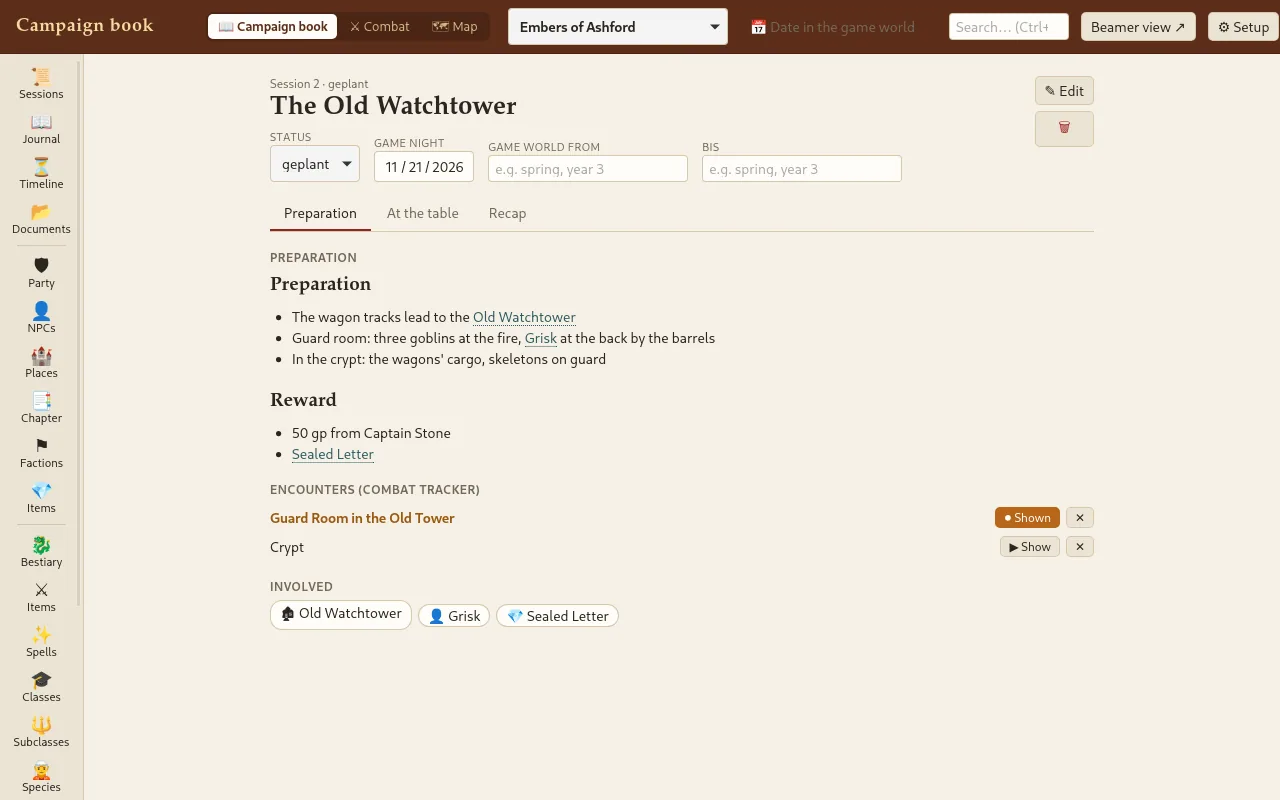
Handouts on the projector
Letters, maps, portraits: you show any picture of an entry on the projector with one click, with its text if you like. Whatever was shown counts as known to the players afterwards.
Character sheets that do the math
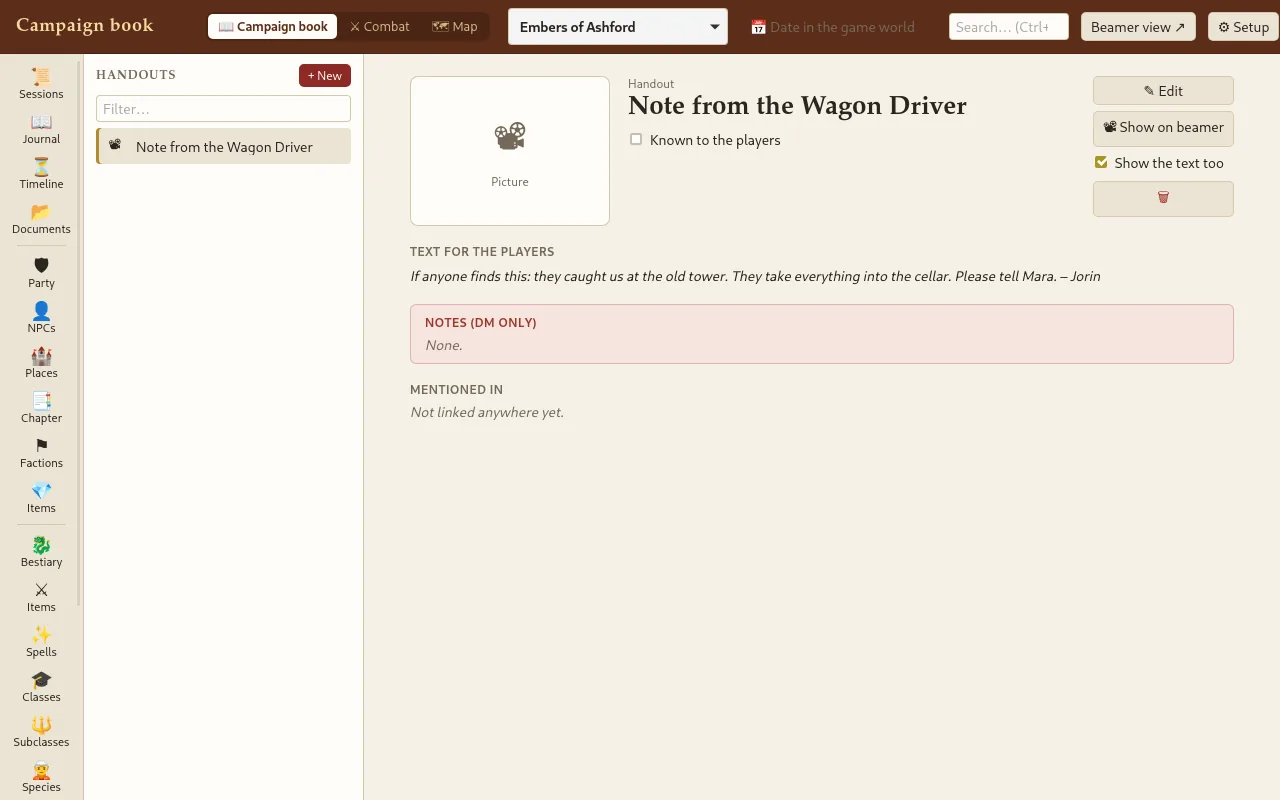
The Party lists the player characters with a full sheet. Armor class, attacks, saving throws and skills are calculated for you, levelling up goes step by step.
The library
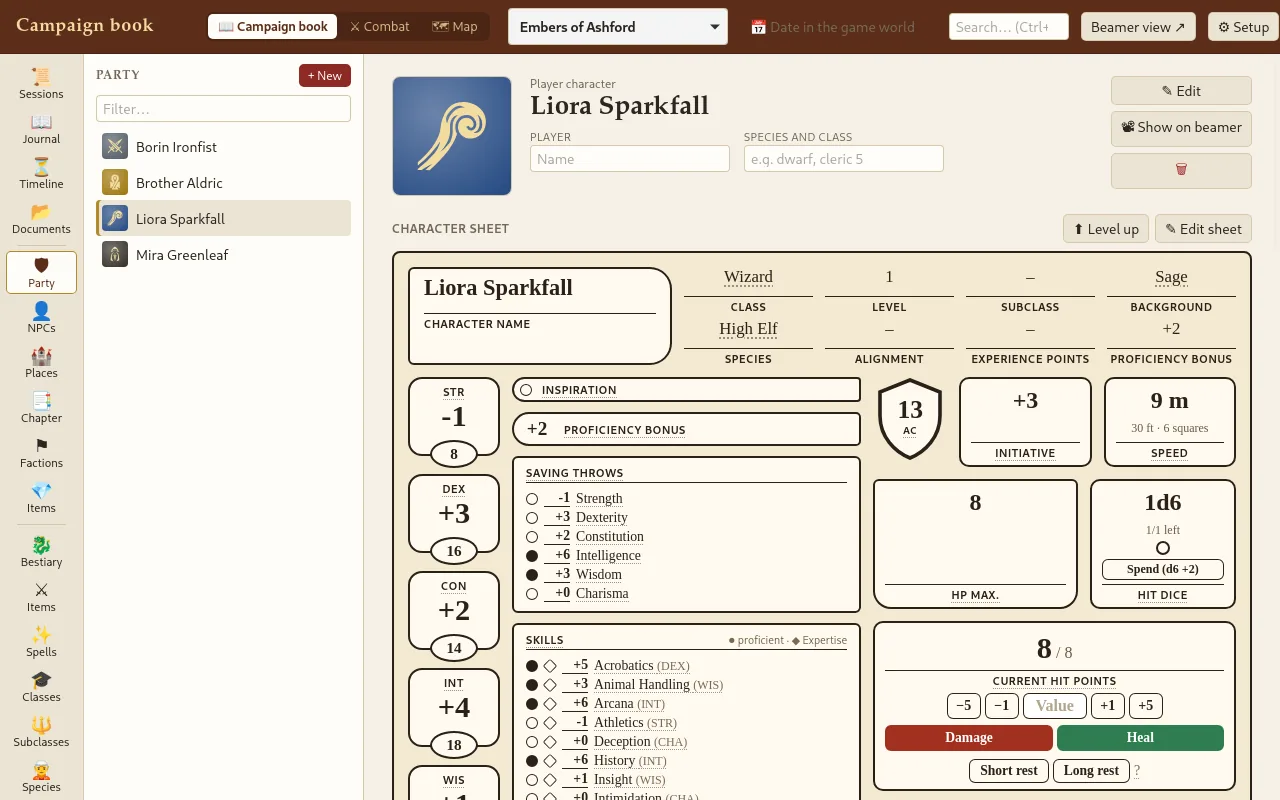
Bestiary, spells, items, classes, subclasses, species, backgrounds and feats apply to all campaigns. You fetch the freely available rules content (SRD) from Open5e with one click and add your own entries. If you play in German, Wyrmdesk can translate English texts with DeepL.
⚔ Combat tracker
Fights without the paperwork
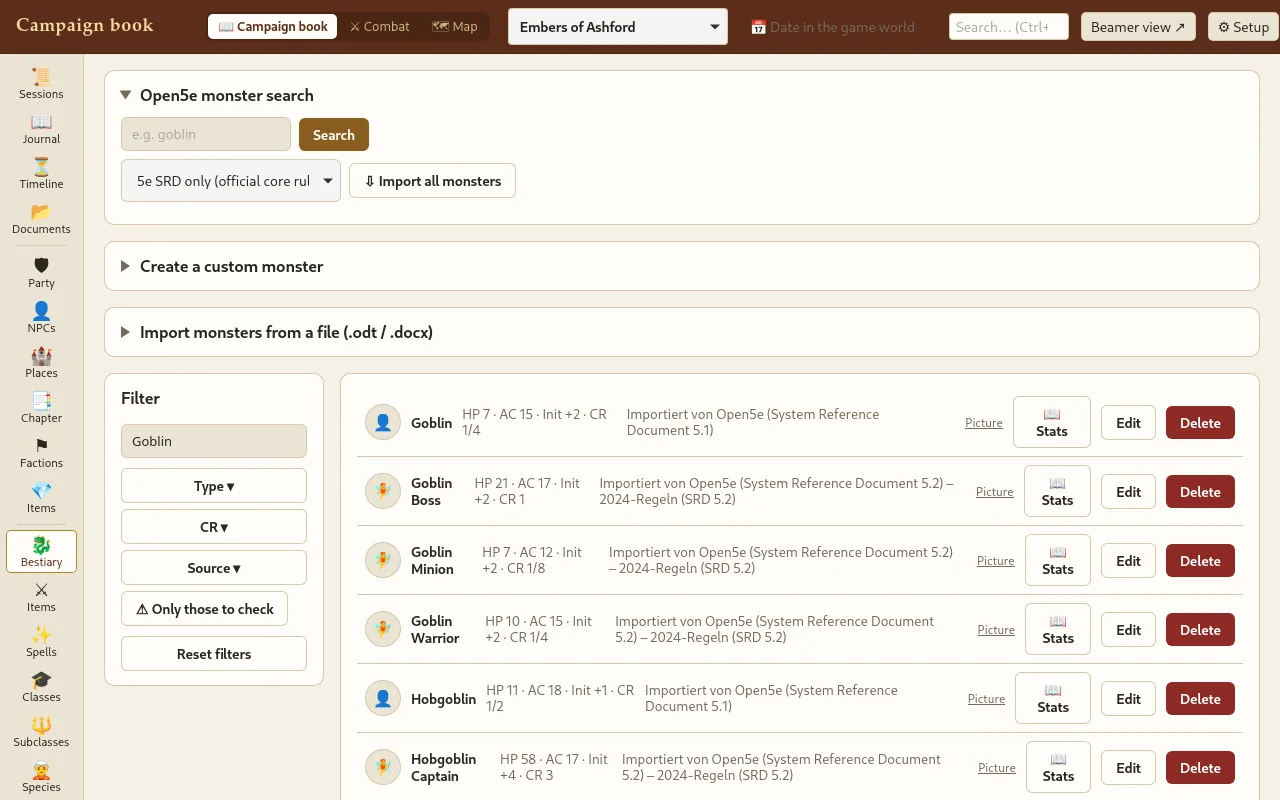
- Prepare encounters: the party is in automatically, monsters come from the bestiary.
- Live difficulty: easy to deadly, from experience points and party size.
- Initiative entered or rolled for all monsters, turns forward and back, rounds counted.
- Hit points and conditions in a few clicks, the monster's stat block one click away.
- Hidden monsters appear only once you reveal them.
- Stream Deck: addresses for “next turn”, “back” and “roll initiative”.
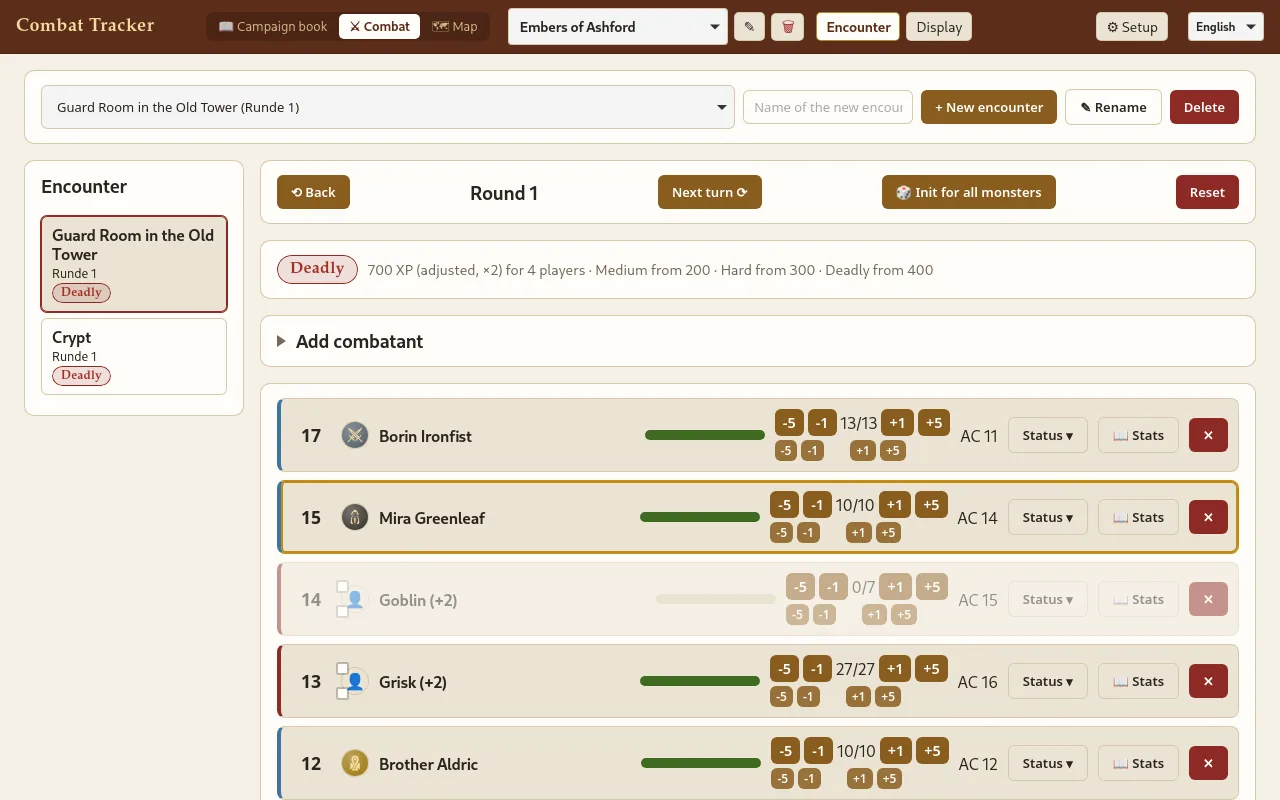
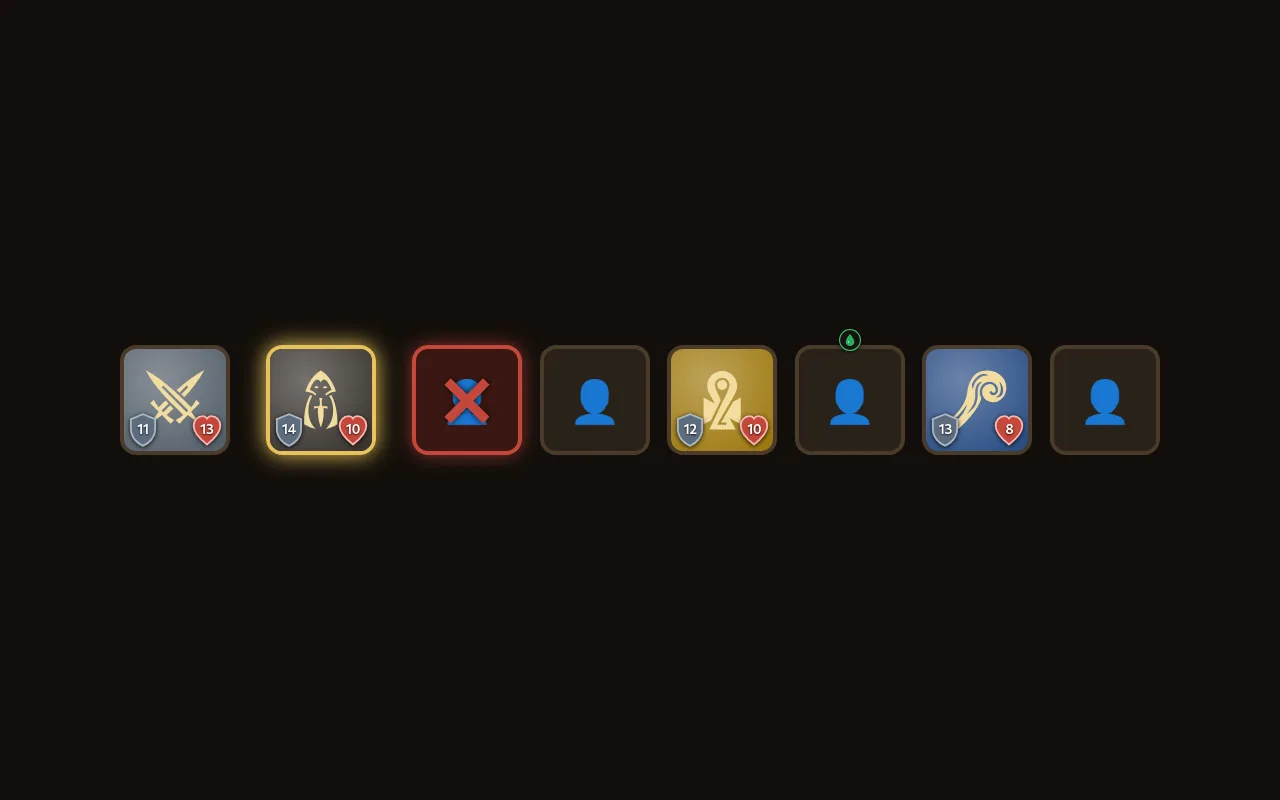
A display for the players
The turn order with portraits runs on a second screen, at the edge of the projector image or on the players' phones. It marks whose turn it is and shows only what the players may see.
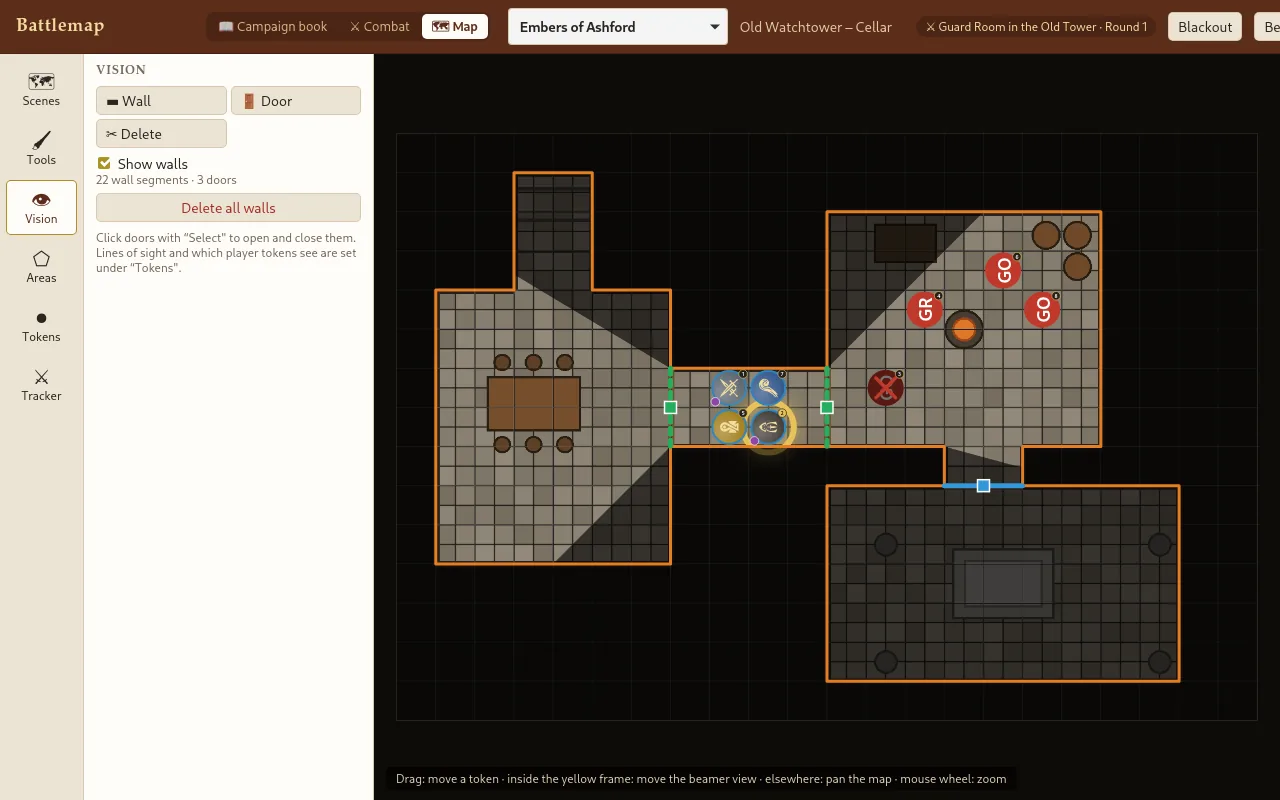
🗺 Battlemap
Maps with fog and line of sight
- Any map image becomes a scene, Dungeondraft maps bring their grid, walls and doors along.
- Fog of war with rectangle, brush or polygon. Outline rooms beforehand and reveal them with one click later.
- Walls, doors, line of sight: the map reveals what the player tokens see. Explored areas stay visible, dimmed.
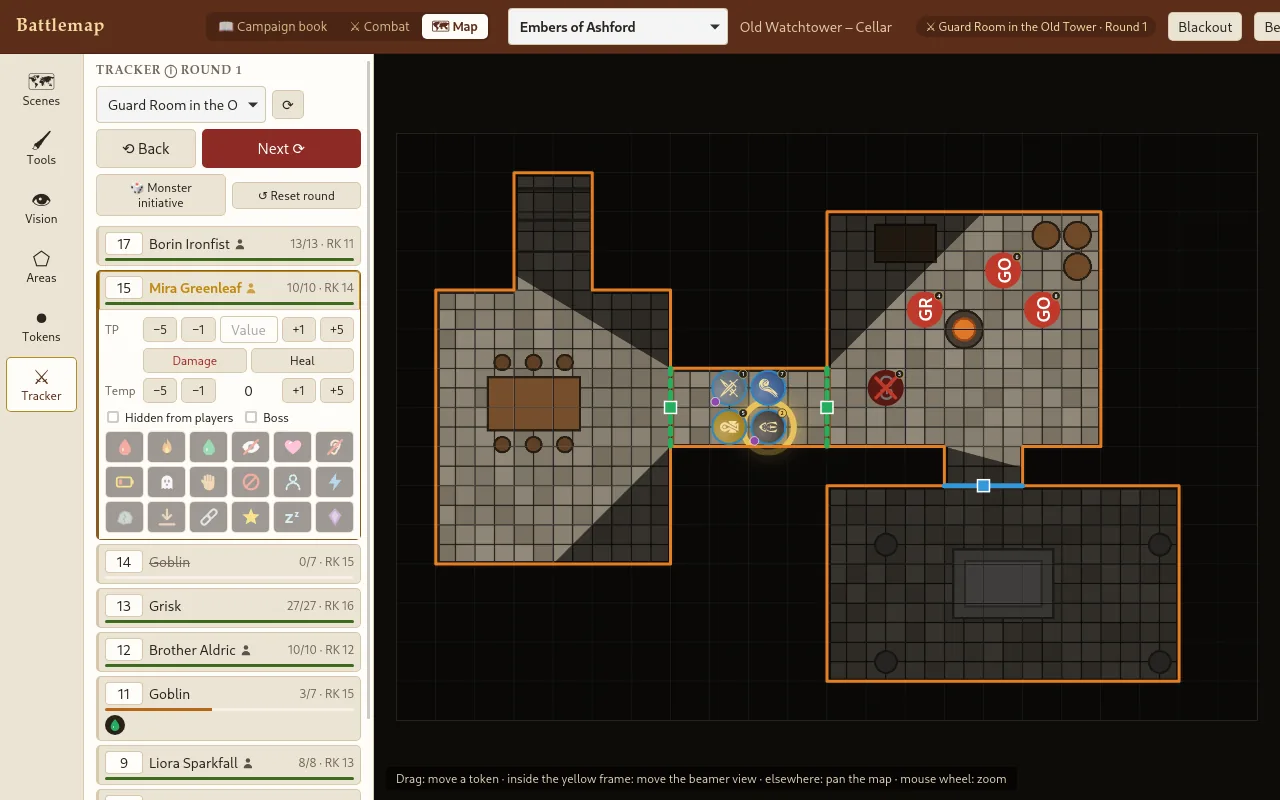
- Tokens from the tracker with portrait, initiative and hit points right on the map.
- Spell areas as cone, circle, cube or line, straight from the spell if you like.
Made for the projector
The projector shows only what is revealed, and tokens only where the players can see them. For the table you set rotation and keystone correction and calibrate to exactly 1 inch per square, right for miniatures. B blacks out the projector, during breaks it shows a picture of your choice.
🧙 Character creation
Players build their own
Character creation runs separately from the campaign book and may be reachable from the internet. Each campaign gets its own link for the players, with a password if you like.
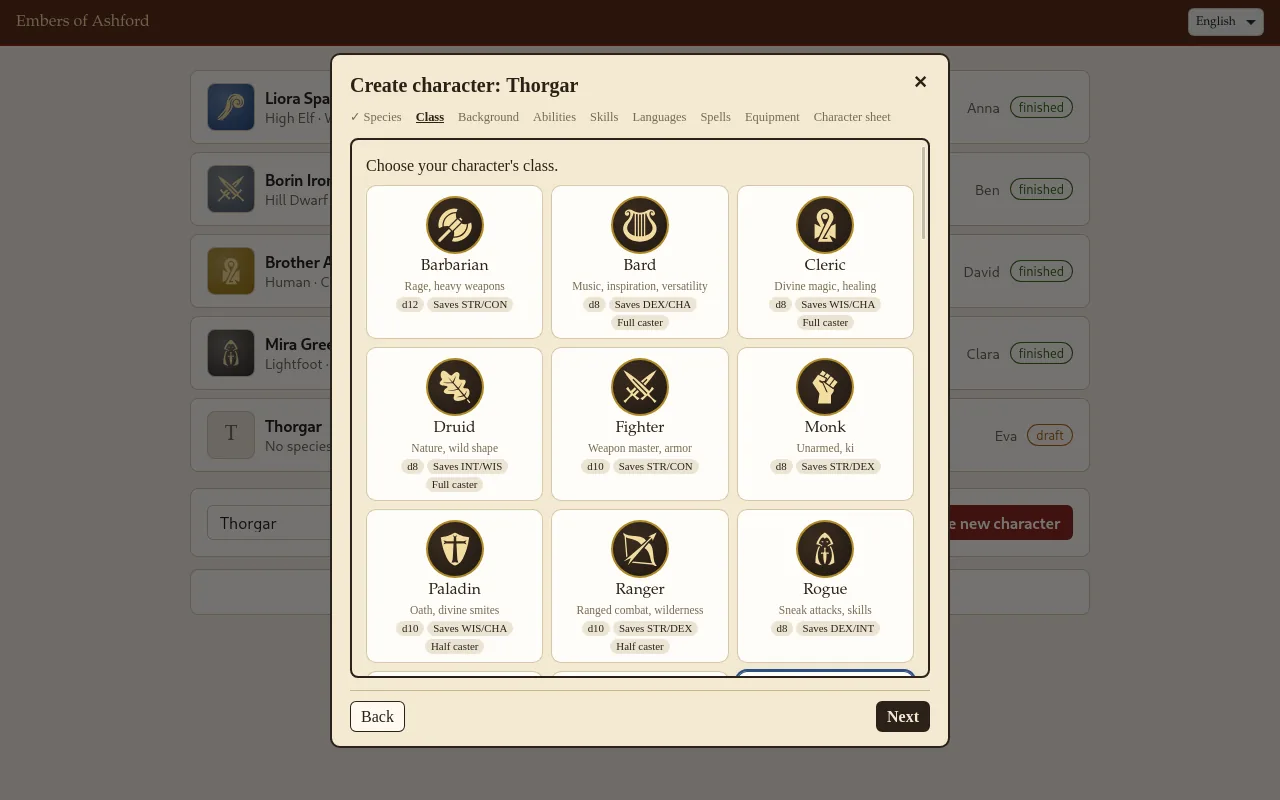
- A wizard through species, class, background, feats, abilities, skills, languages, spells and equipment.
- Level up later, step by step as well.
- Scheduling: suggest game dates, the group votes.
- Import finished characters into the campaign book with one file.
All the details
The manual describes every feature with pictures and keyboard shortcuts.